

Find a Run
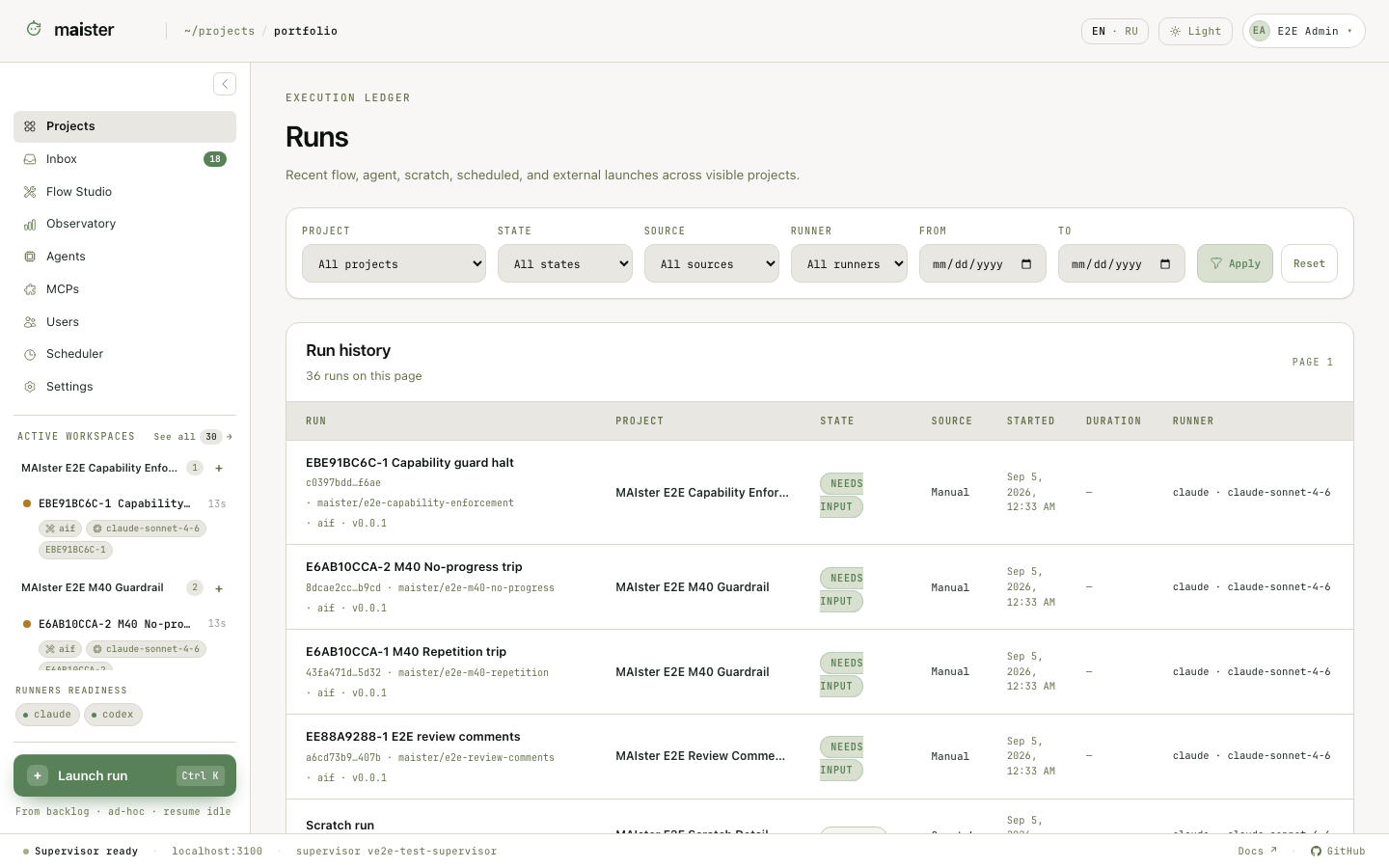 Choose Active workspaces → See all or open
 /runs. Filter the ledger by
project, state, source, runner, and date range. The URL stores the filters, so
you can send the same view to another project member.
Each row shows the task or Run identity, project, status, source, start time,
duration, runner, and token count. Flow and platform-agent rows open
/runs/{runId}. Scratch rows open /scratch-runs/{runId}.
The task page has a narrower history: it lists every Run created for that one
task. A retry creates another attempt and keeps the previous revision, cost,
evidence, and decisions intact.
Read the Run page
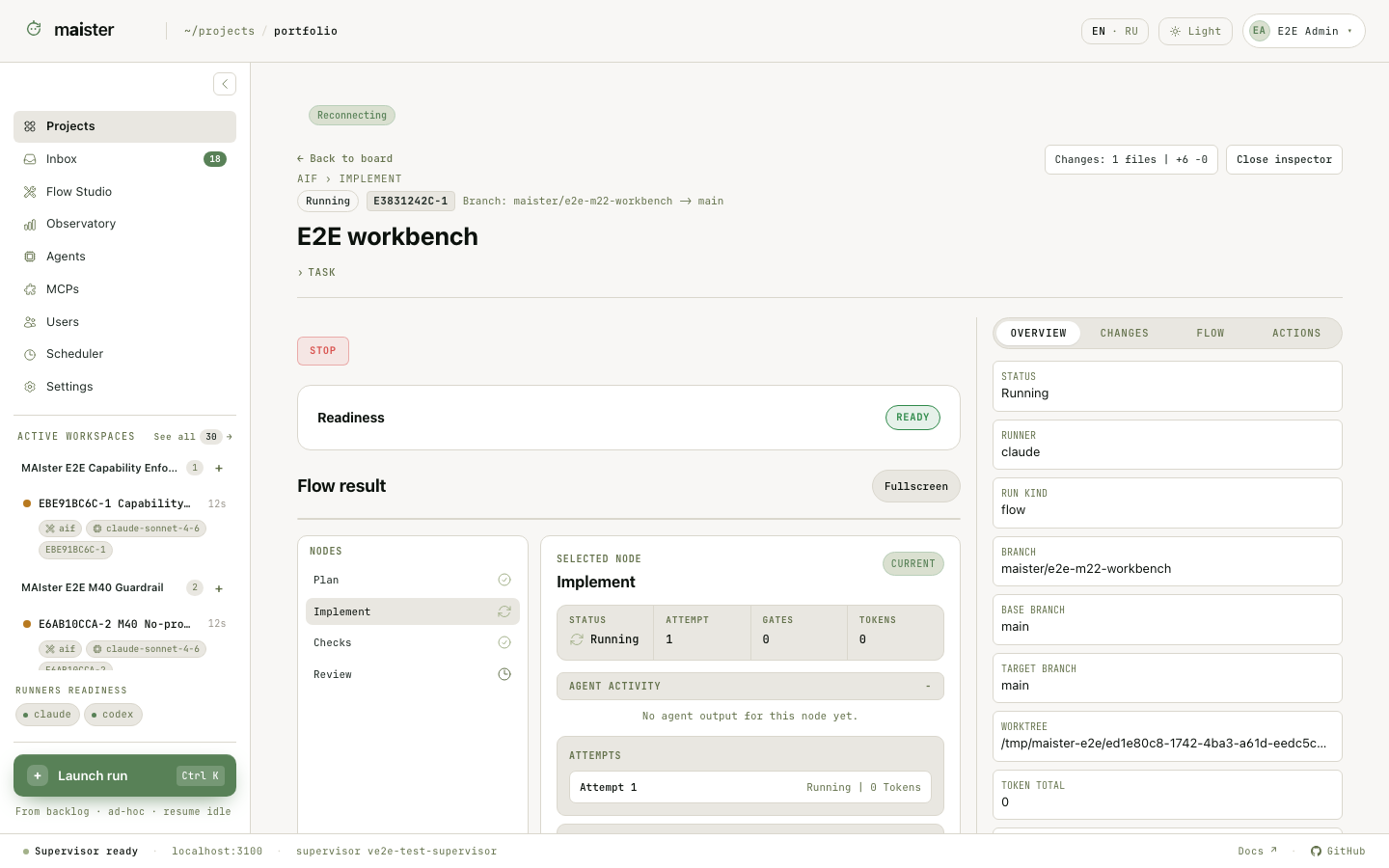 Start with the header and primary result:
- task title, project, branch, state, current node, and chosen Flow;
- pinned package and Flow revision;
- runner and model snapshots for the sessions that performed the work;
- total duration, token usage, and recorded cost.
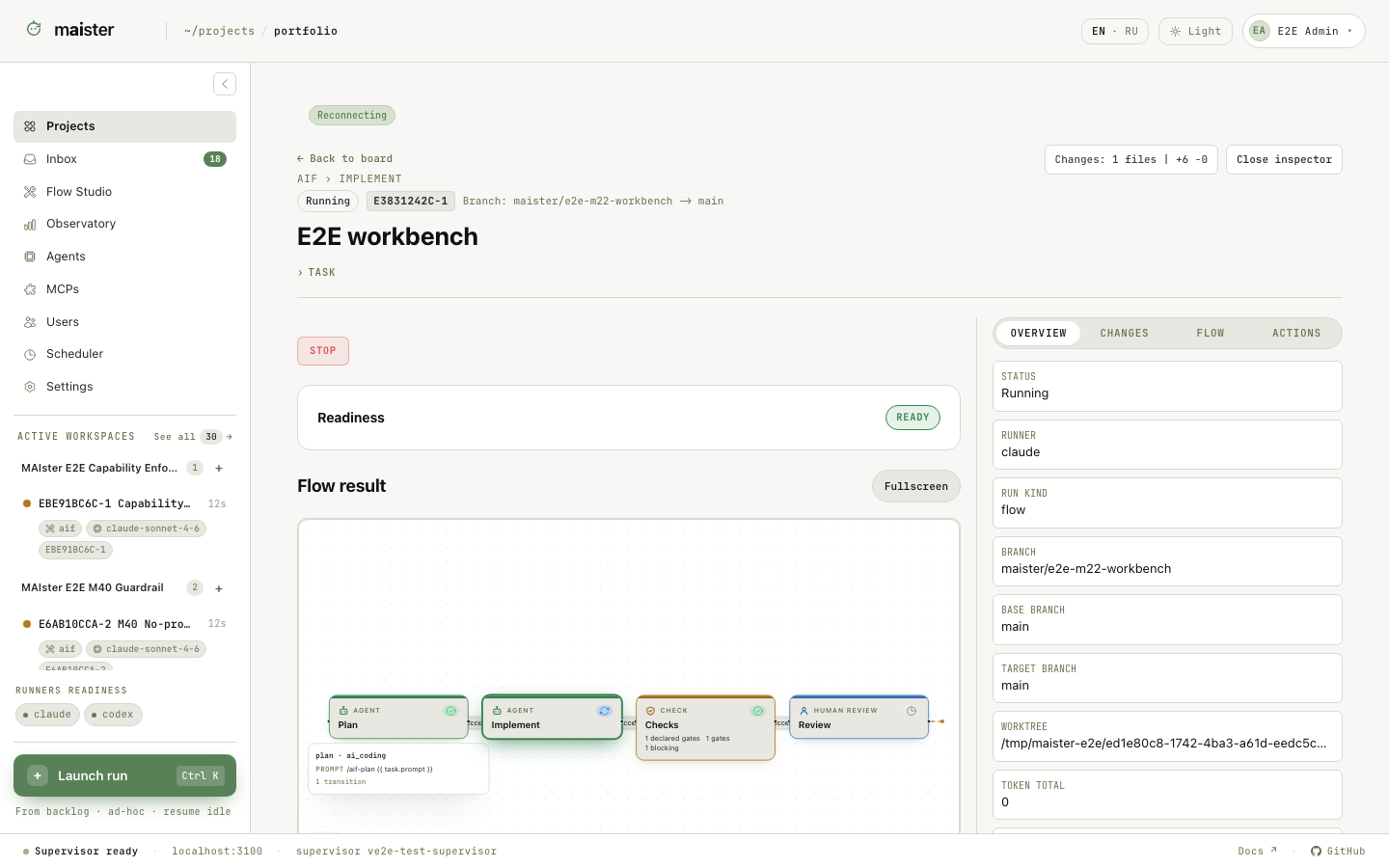 Recorded prompts are distinguished from template previews. A preview for an
older attempt is not proof of what was sent. Standalone agent transcripts show
dispatched initial, resume, rework, and message prompts alongside responses.
Steered messages appear in the same conversation. Open full artifacts when a
node or consensus result only shows a bounded excerpt.
Recorded prompts are distinguished from template previews. A preview for an
older attempt is not proof of what was sent. Standalone agent transcripts show
dispatched initial, resume, rework, and message prompts alongside responses.
Steered messages appear in the same conversation. Open full artifacts when a
node or consensus result only shows a bounded excerpt.
Understand why a Run ended
Failed, crashed, or abandoned Runs show a recorded terminal reason when one is available. It distinguishes an operator stop, an agent-process crash, a lost turn or event stream, a budget or duration limit, and an unavailable workspace. Older records may have no further detail; the status alone does not establish the cause. Read the reason with the node attempt and retained work before choosing Recover, relaunch, or review. A result that could not be applied safely is a visible failure requiring investigation, not proof that the agent completed successfully. Host-pressure pauses have their own notice and continuation rules.Open code, evidence, and history
The lower workbench provides these views:
The right inspector contains actions that apply to the current state: respond
to a human gate, recover an eligible attempt, interrupt a node, take over the
workspace, request rework, export, or promote. MAIster checks project rights and
Run state again when you submit an action.