

Browse the repository
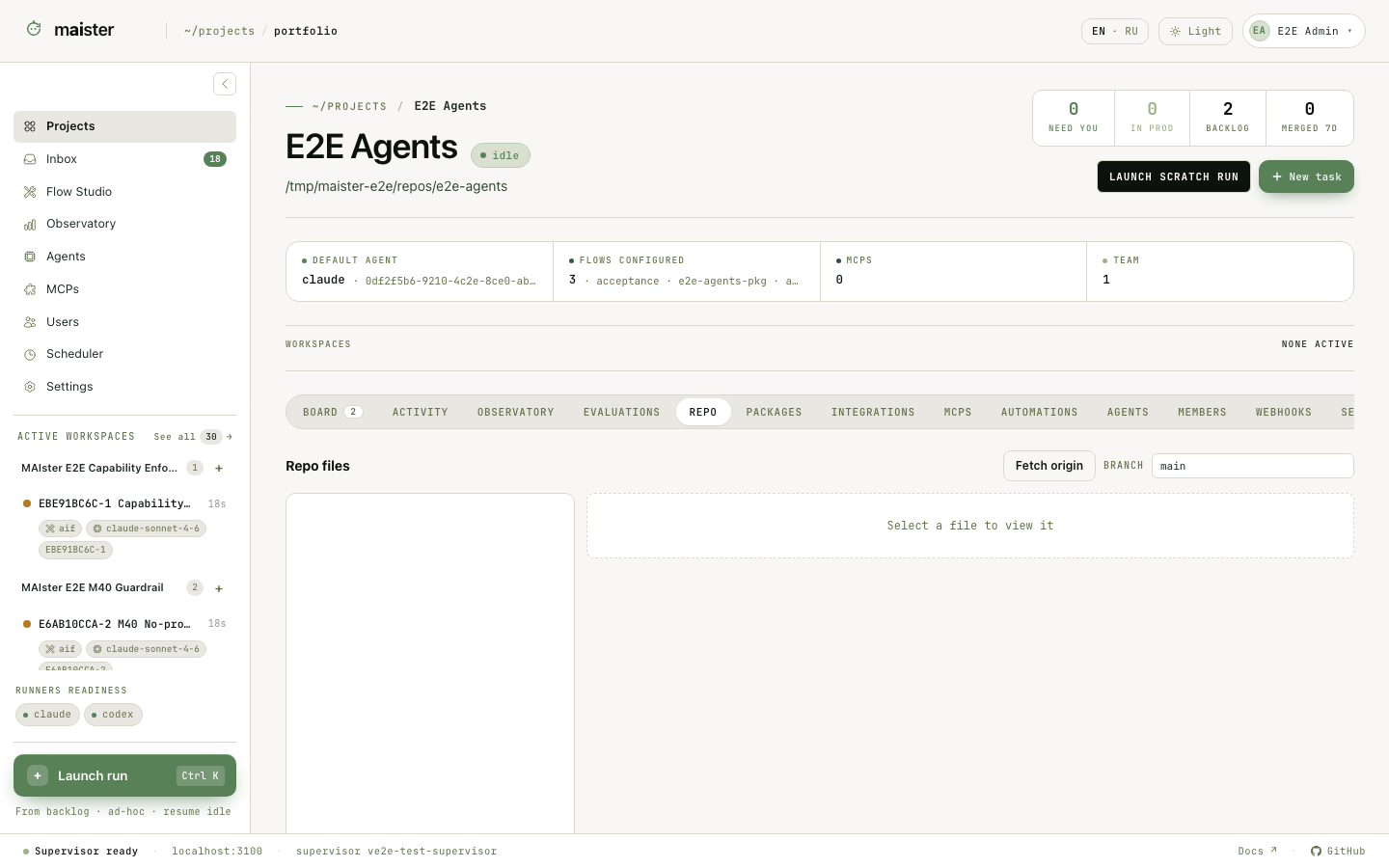 Open Project → Repository. The file tree shows git-tracked files from the
registered repository. Select a file to read its contents and use the branch
controls to inspect the intended revision.
MAIster keeps this browser read-only. A Run writes through its isolated
workspace, while a reviewer inspects Run-scoped changes in the Diff view. Files
that git ignores and untracked files do not appear in the project browser.
If the tab cannot read the repository, check the repository path and the
project member’s
Open Project → Repository. The file tree shows git-tracked files from the
registered repository. Select a file to read its contents and use the branch
controls to inspect the intended revision.
MAIster keeps this browser read-only. A Run writes through its isolated
workspace, while a reviewer inspects Run-scoped changes in the Diff view. Files
that git ignores and untracked files do not appear in the project browser.
If the tab cannot read the repository, check the repository path and the
project member’s readRepoFiles permission. The browser never accepts a host
path from the URL.
Update the local repository from origin
The repository’s update-from-origin action updates local files by fast-forwarding its checked-out branch. Select that branch and commit or stash local changes first. Diverged history is refused instead of overwritten. An unreachable or unauthorized origin produces a retryable availability error; resolve access before retrying. This action updates the project checkout; use the Run Git panel to update a Run’s worktree.Attach a package to the project
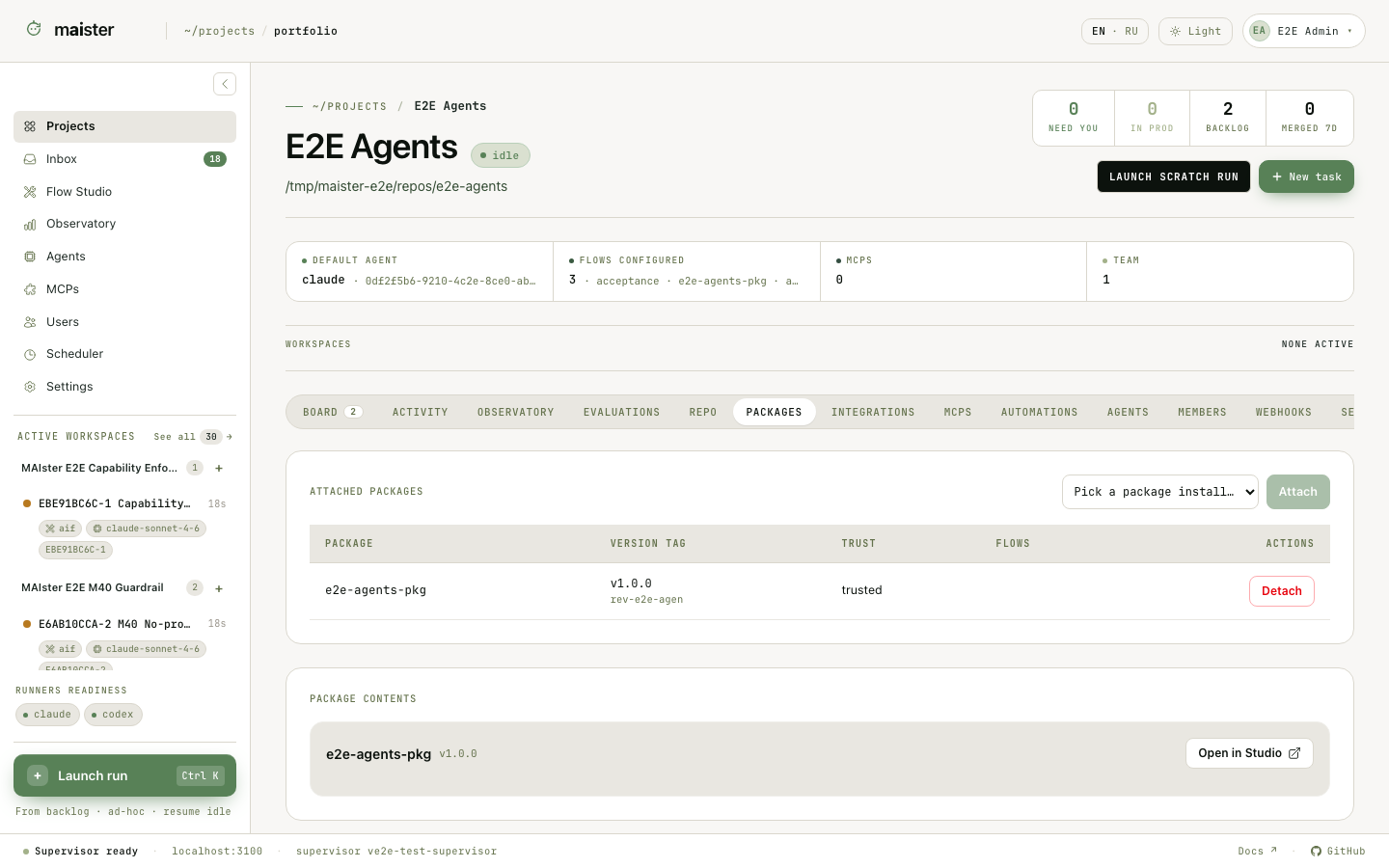
- Open Flow Studio → Sources and refresh the source that contains the package.
- Install the required package version. Installation records an immutable revision; it does not execute package code.
- Return to Project → Packages and choose Attach package.
- Select the installed package and revision. Inspect its Flow, agent, skill, MCP, restriction, schema, and script inventory.
- Ask a global administrator to trust the revision before the project runs executable content from it.
- Resolve runner slots and MCP requirements in the project tabs.
maister.yaml; a write-back warning means the database attachment succeeded
but the repository file still needs attention.
Use a forked local package
Installed revisions stay immutable. To change one:- Open its package page in Flow Studio and choose Fork to edit.
- Change the local package in the Studio editor, review the diff, and commit.
- Create a cut from that commit. The cut is another immutable installation.
- Attach the cut in Project → Packages and grant trust after inspection.